



Car Android System Repair: Common Issues & Professional Solutions
Car Android System Repair is essential for maintaining your vehicle’s navigation, multimedia, and connectivity functions. Despite widespread use, many car owners face common problems such as boot failures, system crashes, and connectivity issues that impact safety and usability. This guide explores these issues and offers professional solutions to ensure your car head unit runs smoothly.Car Android System Boot Failure and Stuck Logo
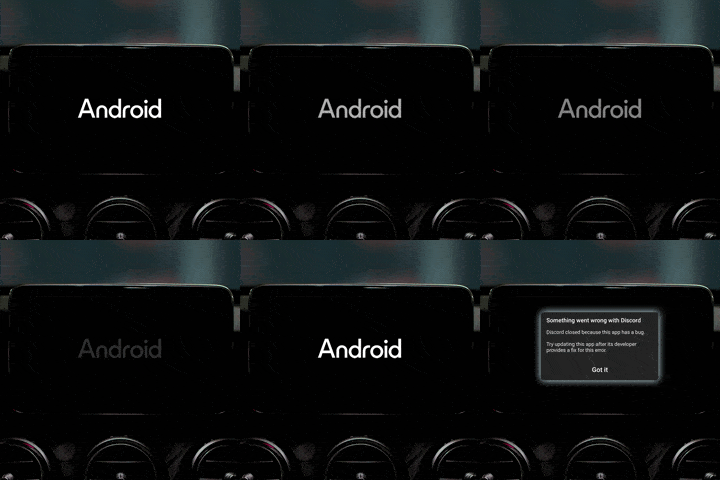 One of the most frequent and disruptive problems is the Android system failing to boot properly, often freezing on the manufacturer’s logo screen indefinitely. This results in complete loss of system functionality — no navigation, no music, no phone calls — severely impacting safety and convenience.
Root Causes: Corrupted firmware, power supply issues, hardware faults.
Troubleshooting Steps:
One of the most frequent and disruptive problems is the Android system failing to boot properly, often freezing on the manufacturer’s logo screen indefinitely. This results in complete loss of system functionality — no navigation, no music, no phone calls — severely impacting safety and convenience.
Root Causes: Corrupted firmware, power supply issues, hardware faults.
Troubleshooting Steps:
- Perform a factory reset via system recovery mode.
- Reinstall or upgrade firmware using official packages.
- Inspect power supply and wiring harness.
- Consult professionals if the problem persists.
Troubleshooting Car Android System Crashes and Freezes
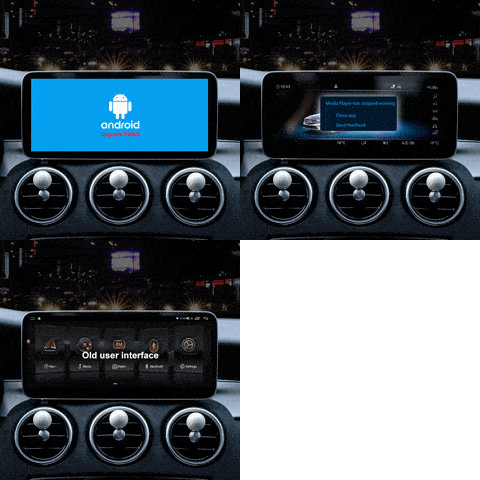 Intermittent system crashes and freezes degrade user experience and can cause safety risks while driving.
Root Causes: Insufficient system resources, software bugs, hardware aging.
Troubleshooting Steps:
Intermittent system crashes and freezes degrade user experience and can cause safety risks while driving.
Root Causes: Insufficient system resources, software bugs, hardware aging.
Troubleshooting Steps:
- Clear system cache.
- Close or uninstall unnecessary apps.
- Update firmware to latest version.
- Factory reset or professional hardware check if needed.
Connectivity Issues in Car Android System Repair
Connectivity issues affect navigation updates, streaming, and phone integration. Troubleshooting Steps:- Restart head unit and devices.
- Forget and re-pair Bluetooth connections.
- Reset network settings.
- Verify device compatibility.
Firmware Update Errors in Car Android Systems
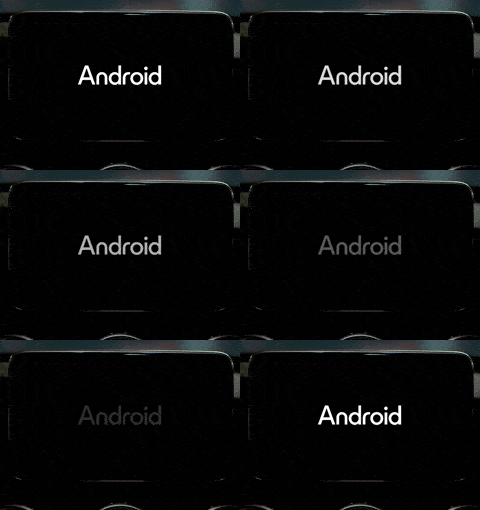 Firmware updates failing midway can corrupt the system or brick the device.
Root Causes: Power interruption, unofficial update files, hardware faults.
Troubleshooting Steps:
Firmware updates failing midway can corrupt the system or brick the device.
Root Causes: Power interruption, unofficial update files, hardware faults.
Troubleshooting Steps:
- Ensure stable power supply during updates.
- Use official update files only.
- Follow manufacturer instructions strictly.
- Seek professional repair if issues persist.
Fixing Unresponsive Touchscreen in Car Android System Repair
Touchscreen issues degrade usability and pose safety concerns. Troubleshooting Steps:- Calibrate touchscreen if available.
- Clear cache and reboot system.
- Update firmware.
- Replace hardware if problem persists.
FixMyDash Professional Car Android System Repair Team
 FixMyDash’s certified technicians use advanced tools and genuine firmware to diagnose and repair your car Android system efficiently and reliably.
Contact Us for Expert Repair
FixMyDash’s certified technicians use advanced tools and genuine firmware to diagnose and repair your car Android system efficiently and reliably.
Contact Us for Expert Repair

 English
  Русский
  العربية
  Español
  Türkçe
  Português
  Français
  O‘zbekcha
  Қазақ тілі
  Українська
  فارسی
فارسی  Kurdish (Kurmanji)
  Italiano
  Deutsch